BACKEXPLORATIONS
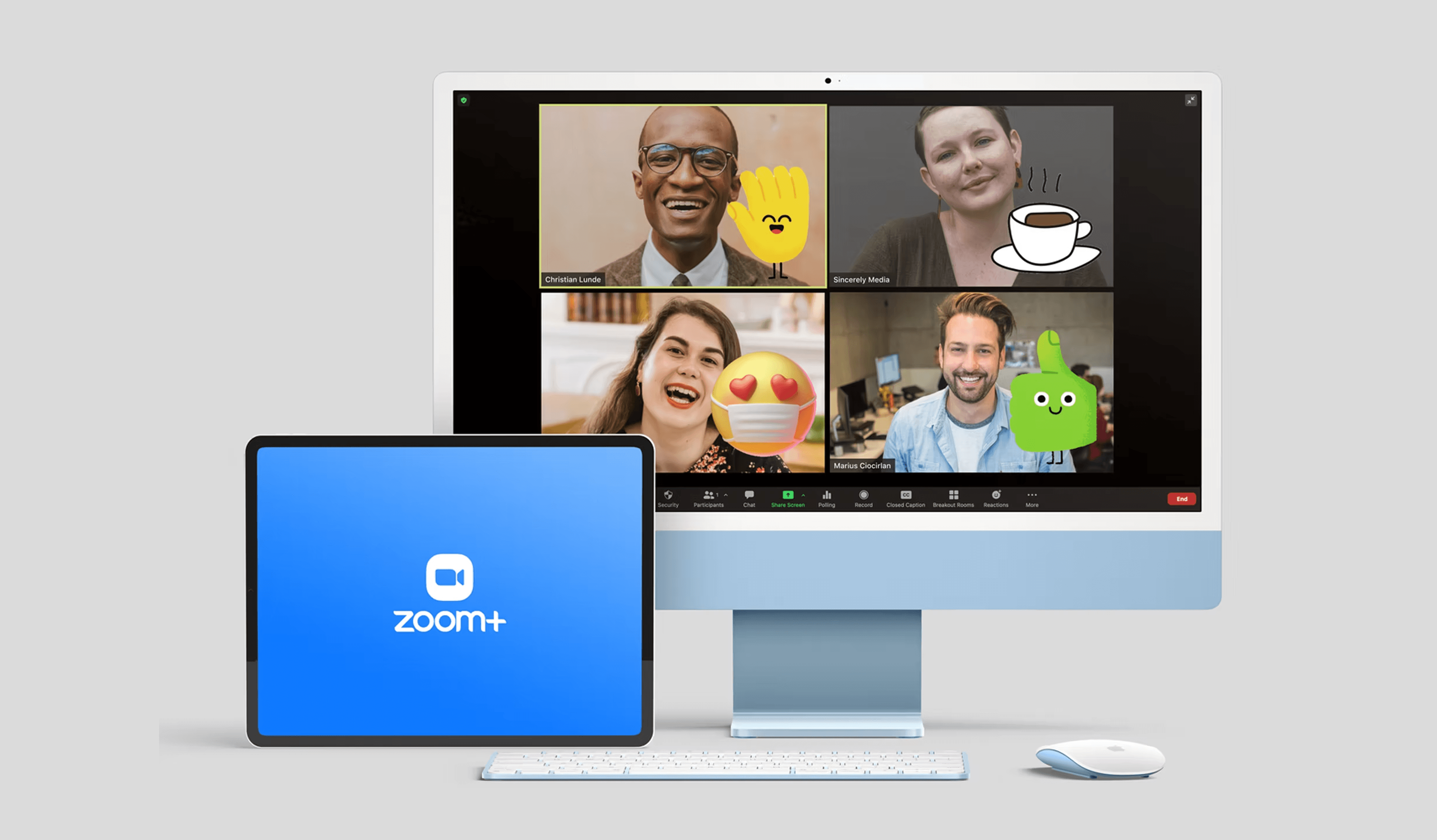
Zoom Plus main project hero

Introduction Video

Zoom Plus introduction video
Zoom Plus background color feature

1

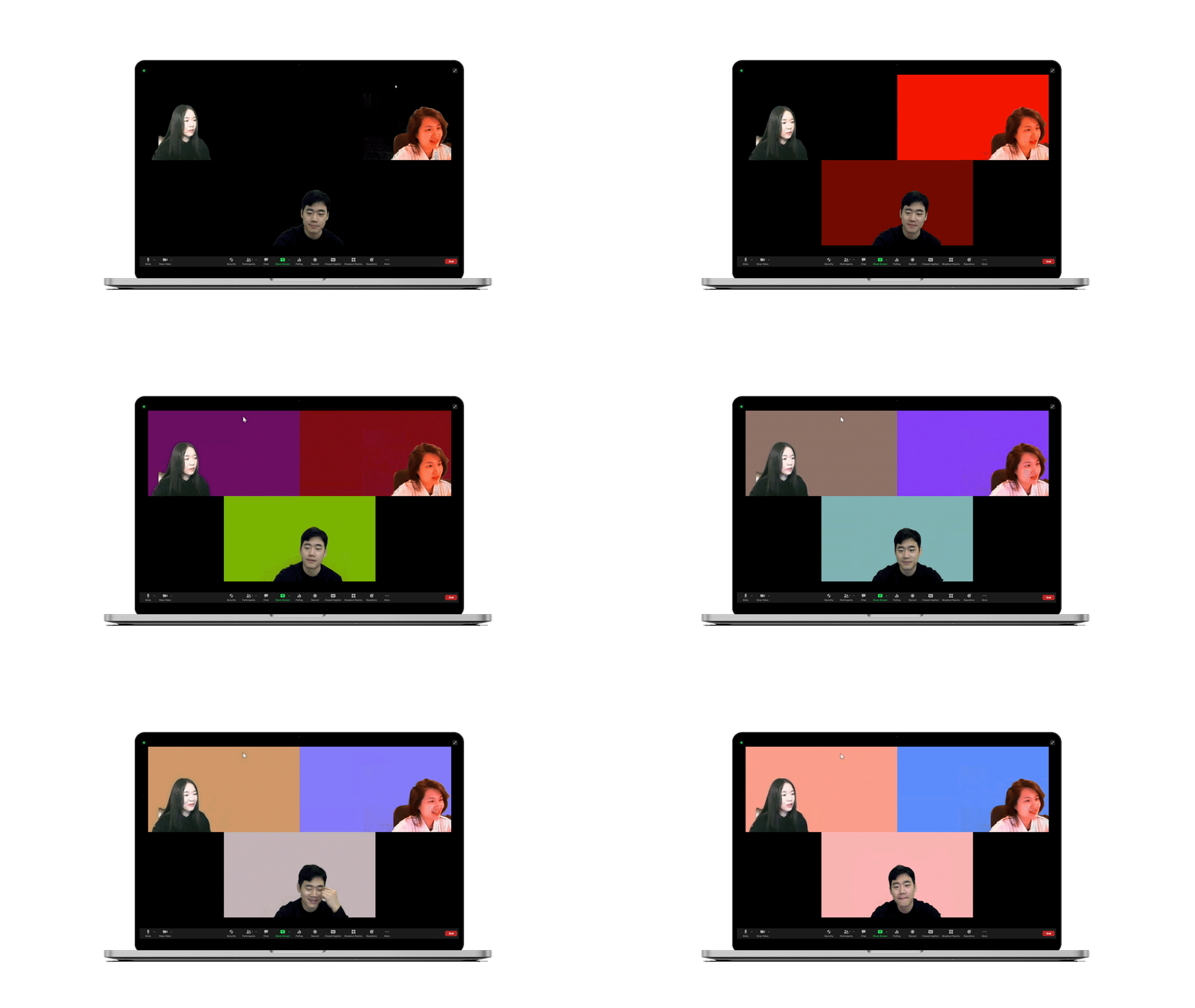
Pick the Background Color

You can change the background color that represents your mood in real time.
Zoom Plus background color feature
Zoom Plus emoji reaction feature

2

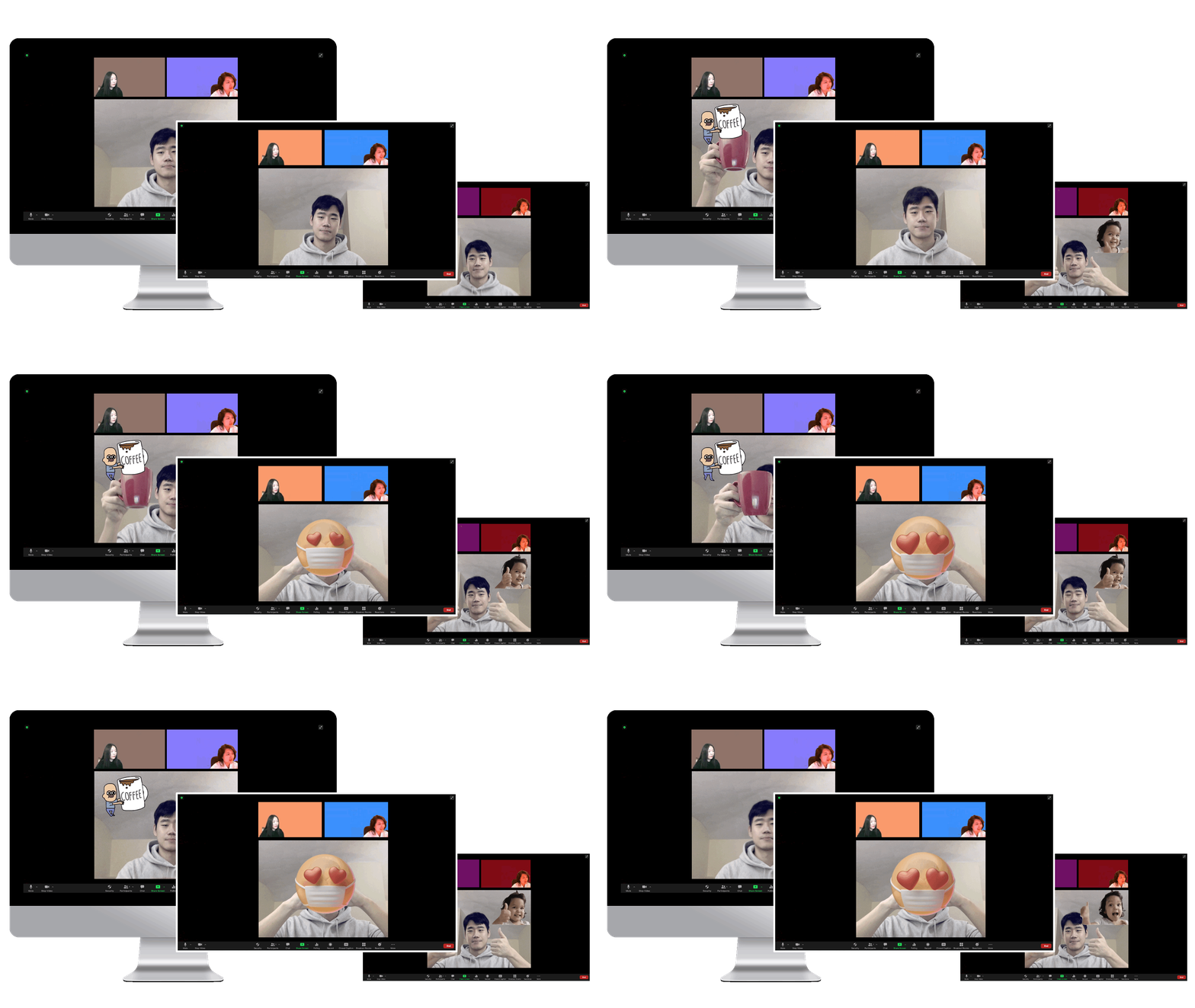
Emoji Reaction

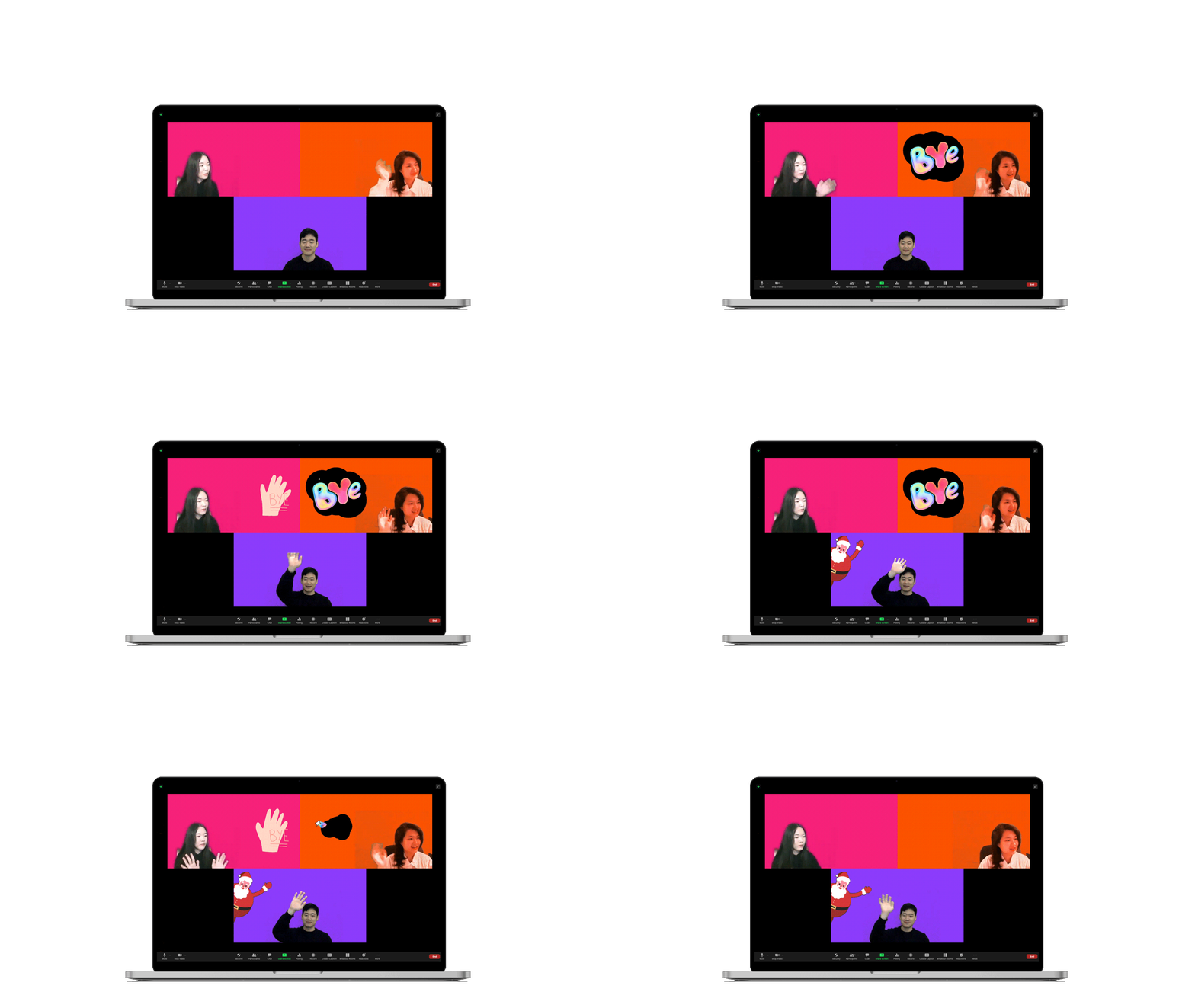
Emoji reactions through gestures create a more active and playful video communication experience.
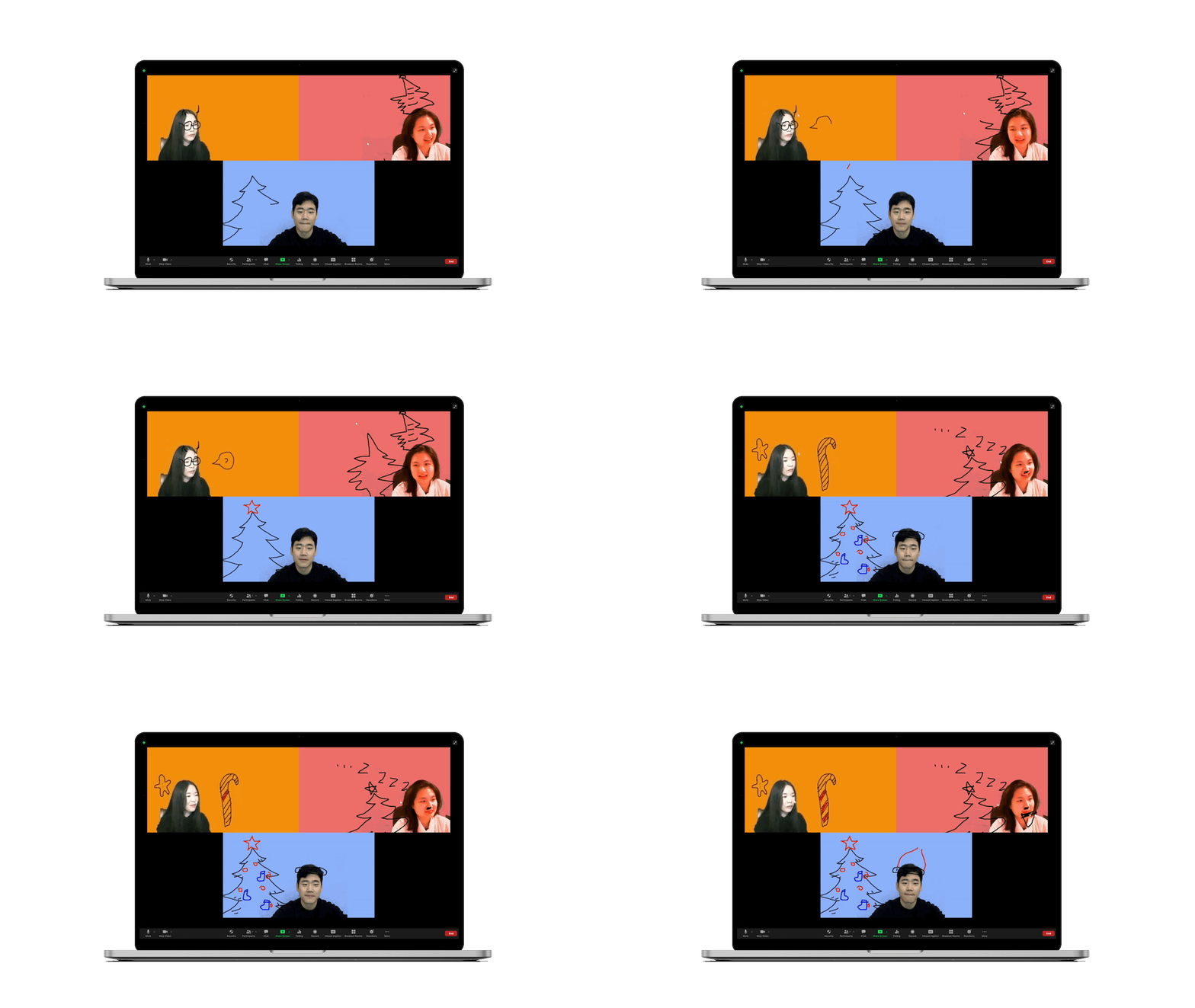
Zoom Plus emoji reaction feature
Zoom Plus background manipulation feature

3

Background Manipulation

Shared canvas interactions make the meeting background more flexible, useful, and expressive, including drawing on another participant's canvas.
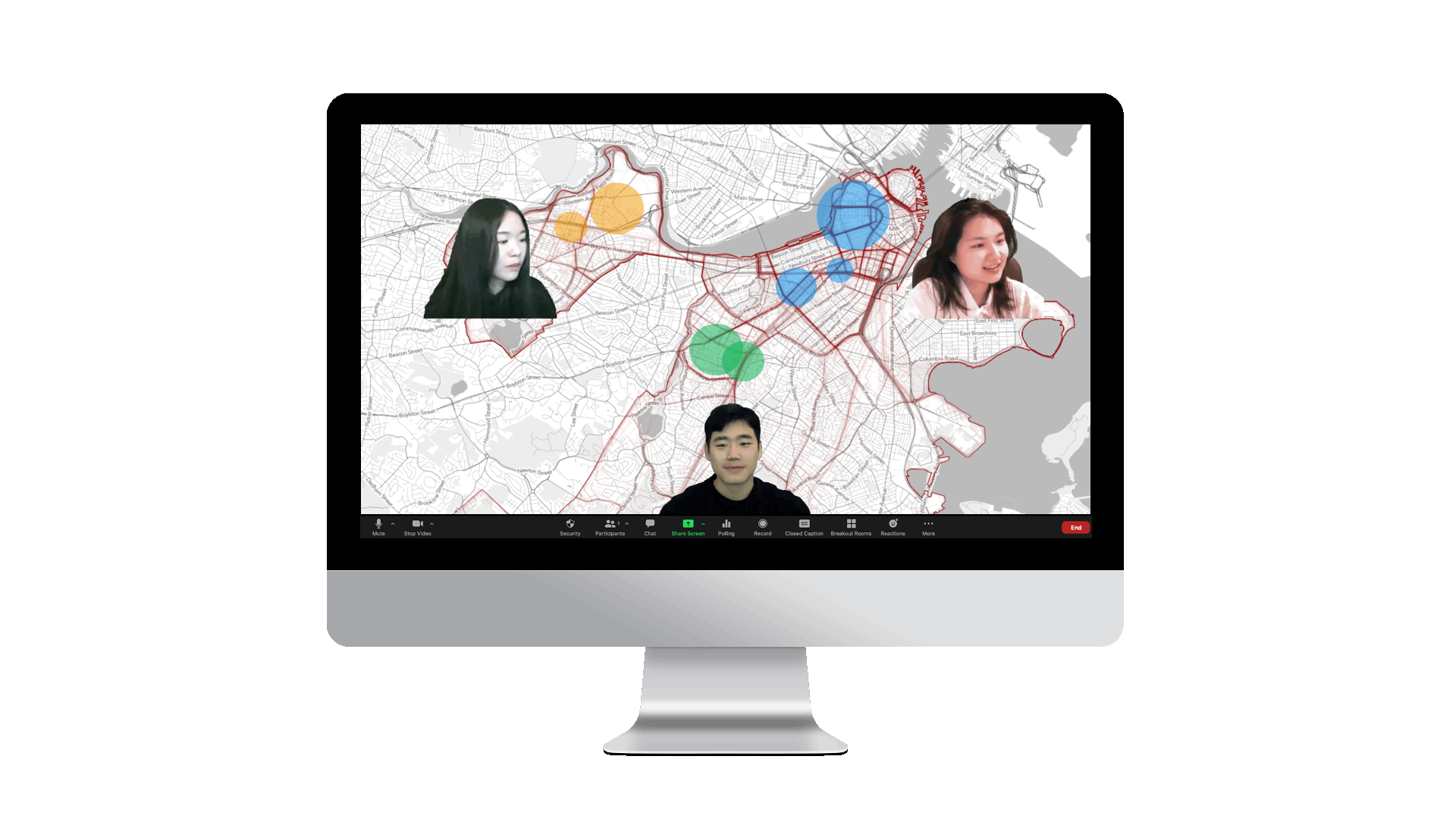
Zoom Plus background manipulation feature
Zoom Plus presentation mode

Presentation mode gives remote participants the feeling of being together in one place.
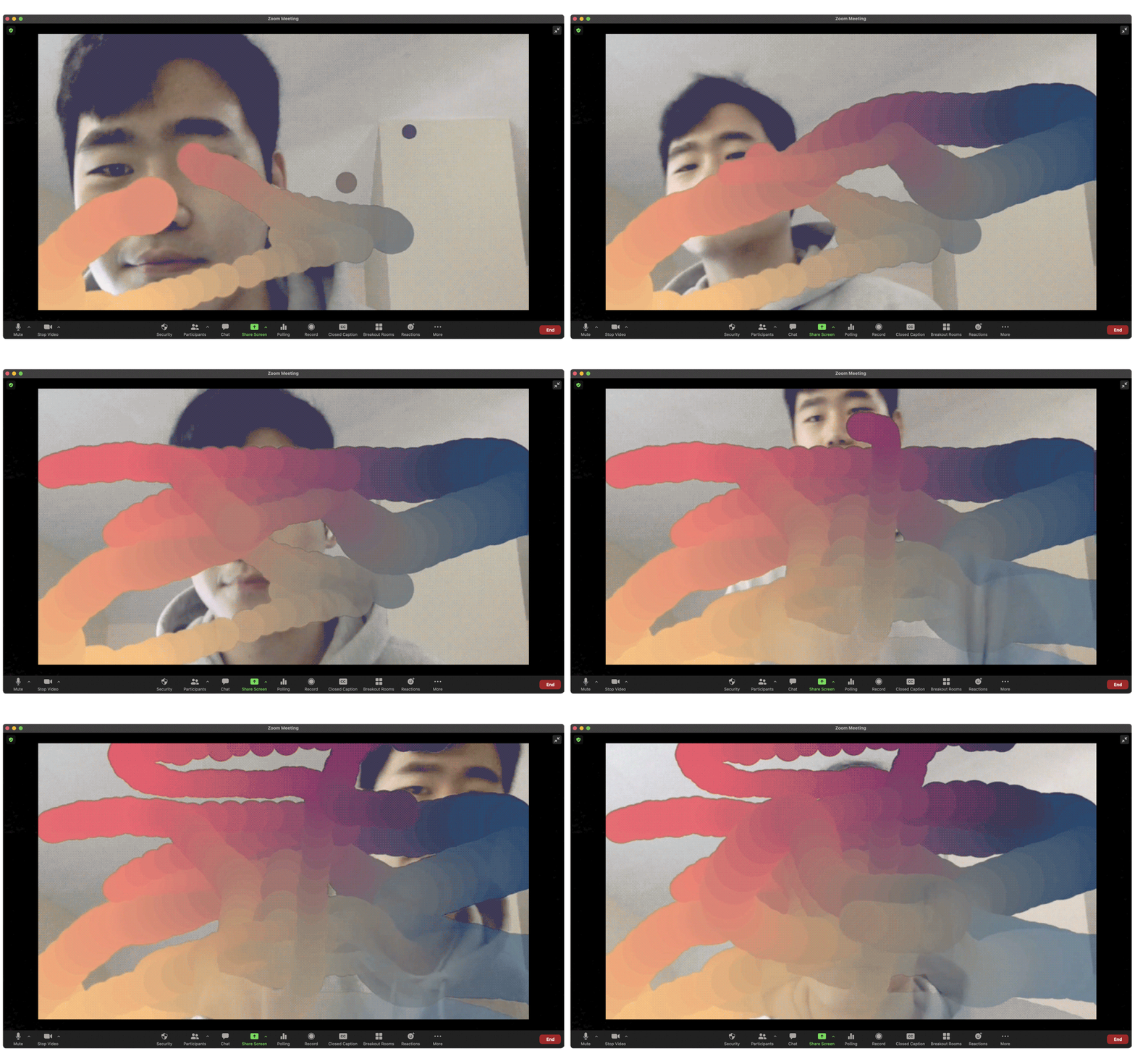
Zoom Plus presentation mode
Zoom Plus interactive visual filters and effects

Something more interactive and fun.

Zoom Plus interactive visual filters and effects
Zoom Plus final prototype hero

Zoom Plus

Interaction DesignComputational Design

An experimental interaction design project that makes online meetings more expressive through shared canvases, gesture-driven reactions, background tools, and real-time visual filters.

Role

Led the project, programmed and tested interactions, trained the Teachable Machine model, and helped define the concept and experience

Product Name

Zoom Plus

Timeline

3 weeks, Fall 2020

Collaborated with

Lucy Du, Connie Yumih Chang

Built with

Teachable Machine, ml5, p5.js, Socket.io, Processing, OBS, Zoom

Deliverables

Concept design, interaction prototype, machine-learning gesture model, shared canvas interactions, visual filters, introduction video

Problem Statement

  • Remote meetings can feel disconnected because facial expressions, gestures, and body language are harder to read through delayed video communication.
  • Standard video conferencing reactions are limited, making it difficult for participants to express mood, energy, and spontaneous responses naturally.

Context

  • During the rise of remote work and online classes in 2020, video conferencing became a primary space for collaboration, critique, and social interaction.
  • The project explored how expressive visual tools could reduce fatigue and make online meetings feel more active, playful, and present.

Responsibilities & Contributions

  • Designed and prototyped shared Zoom background canvases with color, drawing, gesture, emoji, and filter interactions.
  • Trained gesture and expression models with Teachable Machine, then connected the model outputs to p5.js and ml5 visual effects.
  • Tested the prototype in Zoom using Processing, chromakey screens, OBS, and real-time video streams.

Impact

Expression

Turned subtle gestures and moods into visible shared reactions.

Participation

Made remote meetings feel more playful and active through collaborative background tools.

Prototype direction

Proposed a plug-in style experience that could extend video conferencing beyond standard emoji reactions.

Key Insights

  • Small visual reactions can make remote communication feel more immediate when normal body language cues are weakened.
  • Machine-learning prototypes need simple controls and clear feedback so expressive features feel lightweight rather than distracting.

Critical Constraints

  • The prototype depended on experimental tooling and real-time video routing, so stability and setup complexity would need refinement before productization.
  • A production version would require deeper integration with conferencing platforms and careful controls for privacy, performance, and accessibility.
Previous
Next