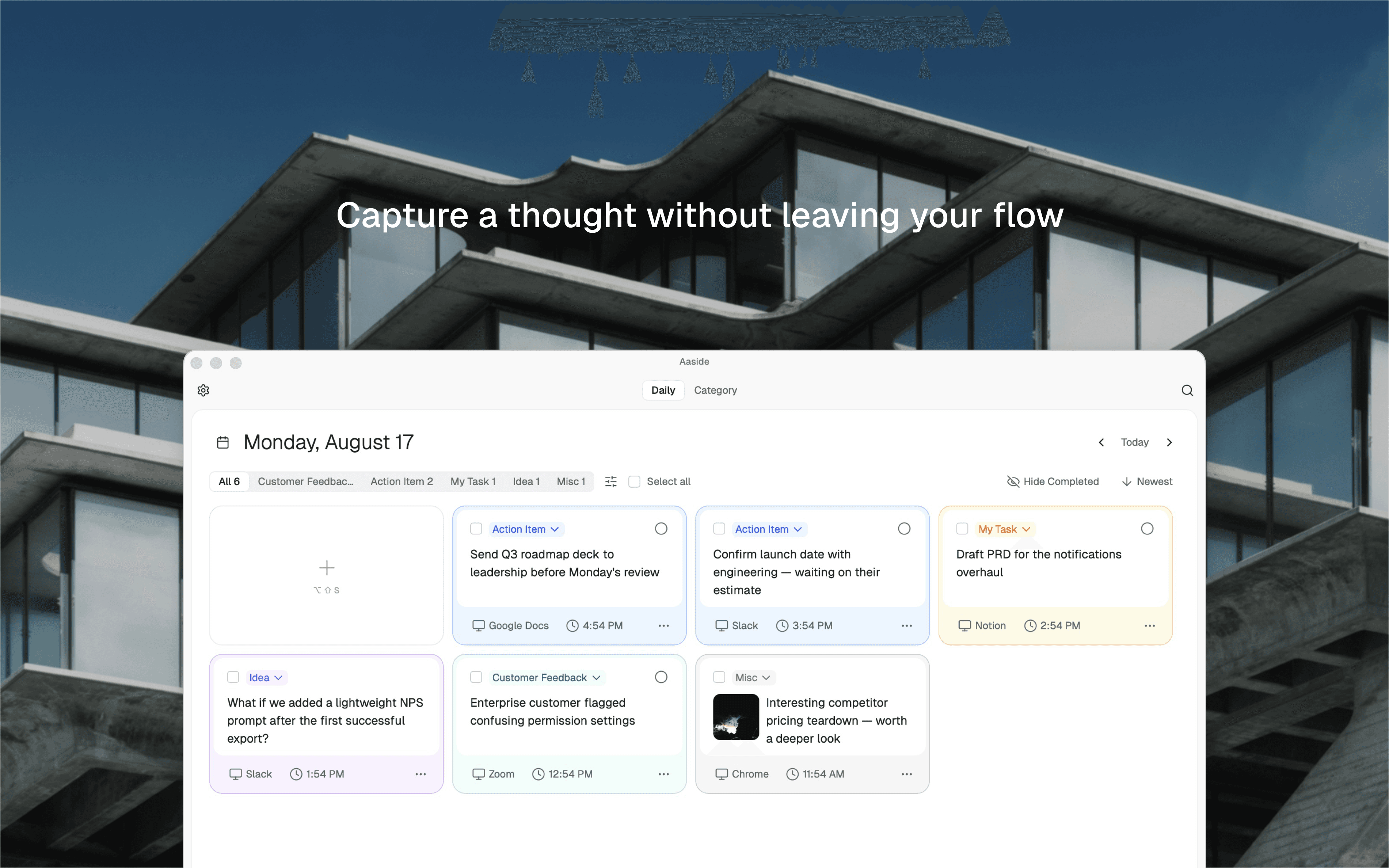
BACKINDEPENDENT PRODUCTS
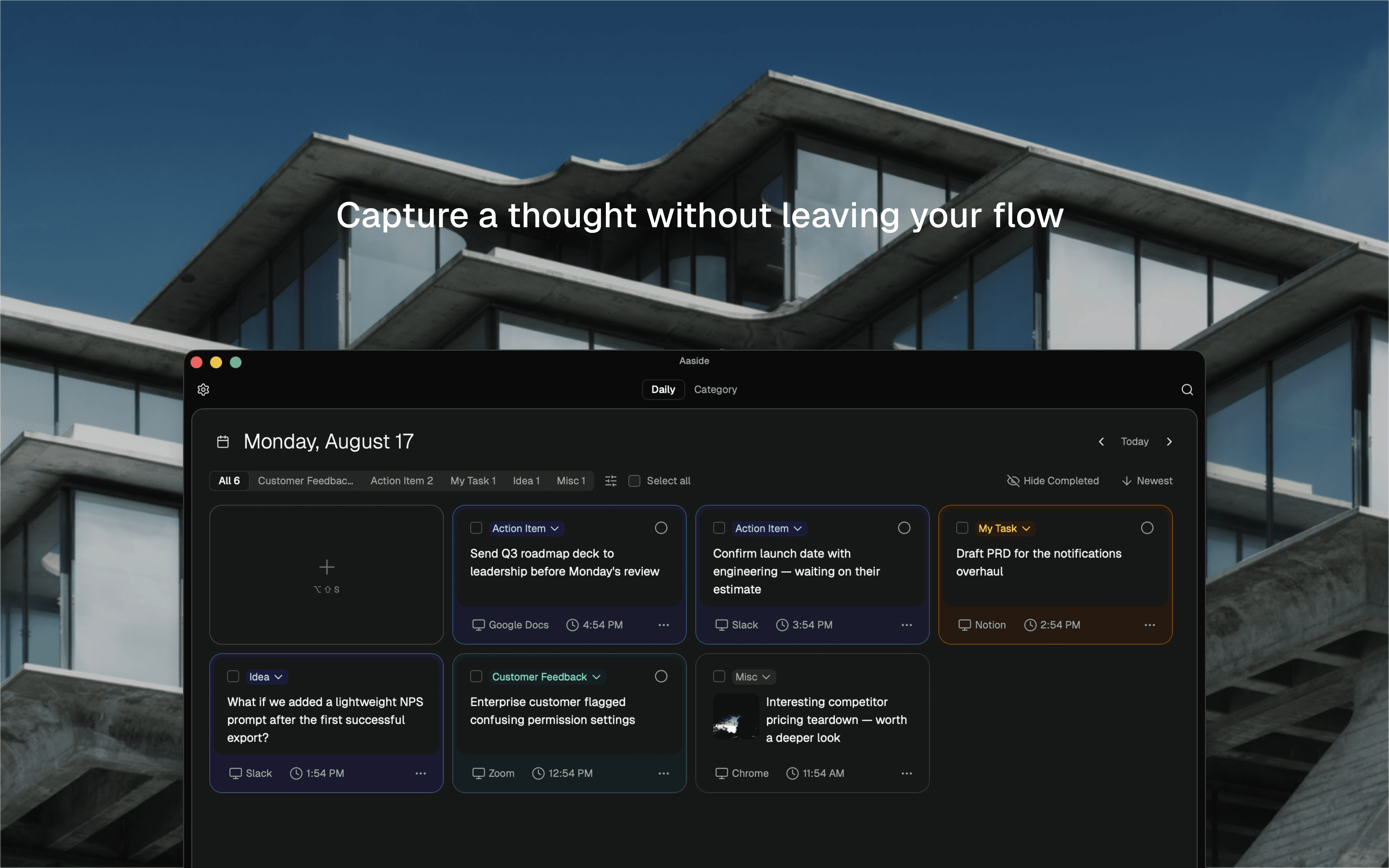
Aaside daily notes dashboard shown in context while working in another app
Capture a thought, action items, or idea...
Figma6:02 PM
Add ⌘ ↵
Capture a thought without leaving your flow.
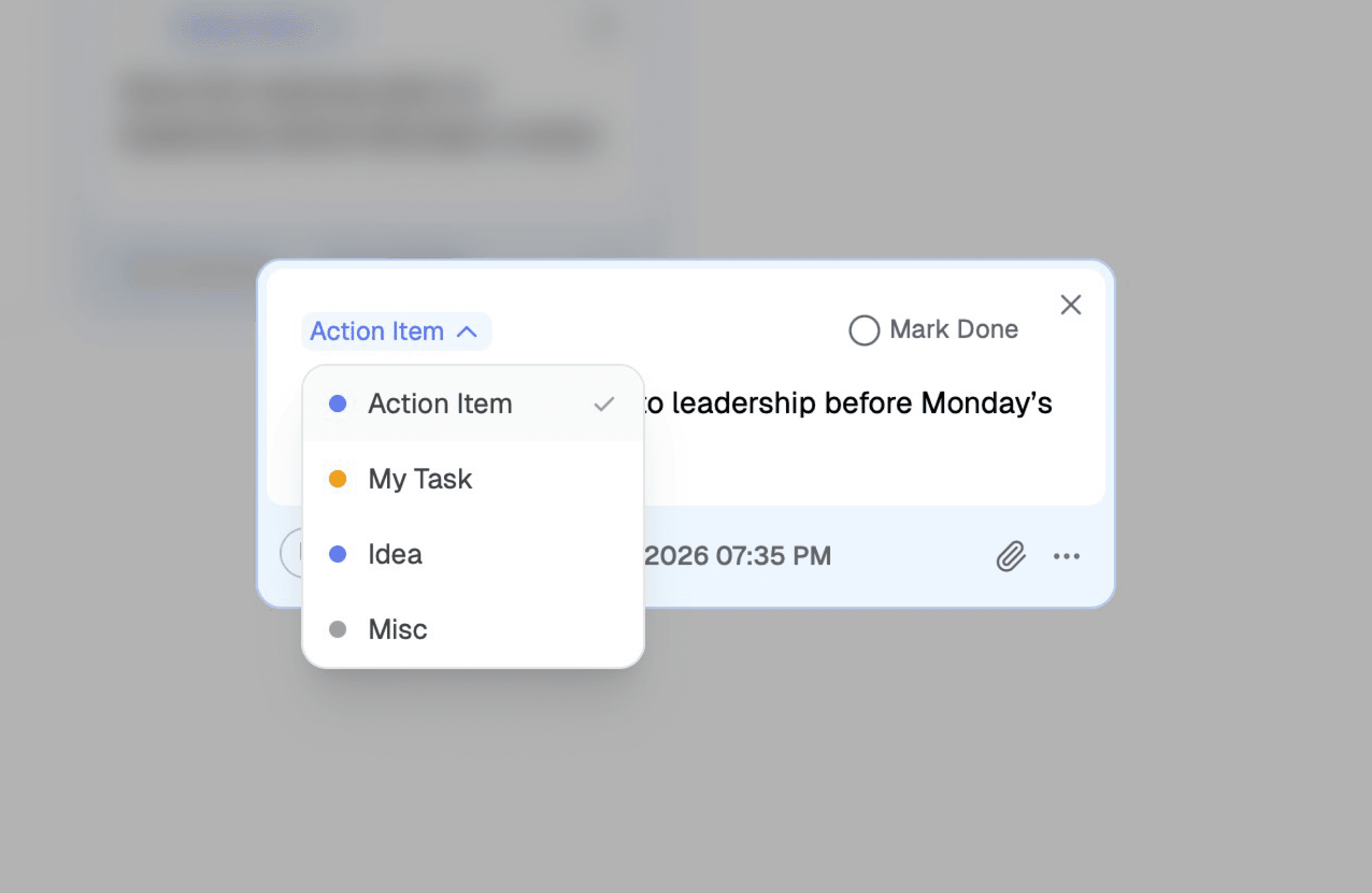
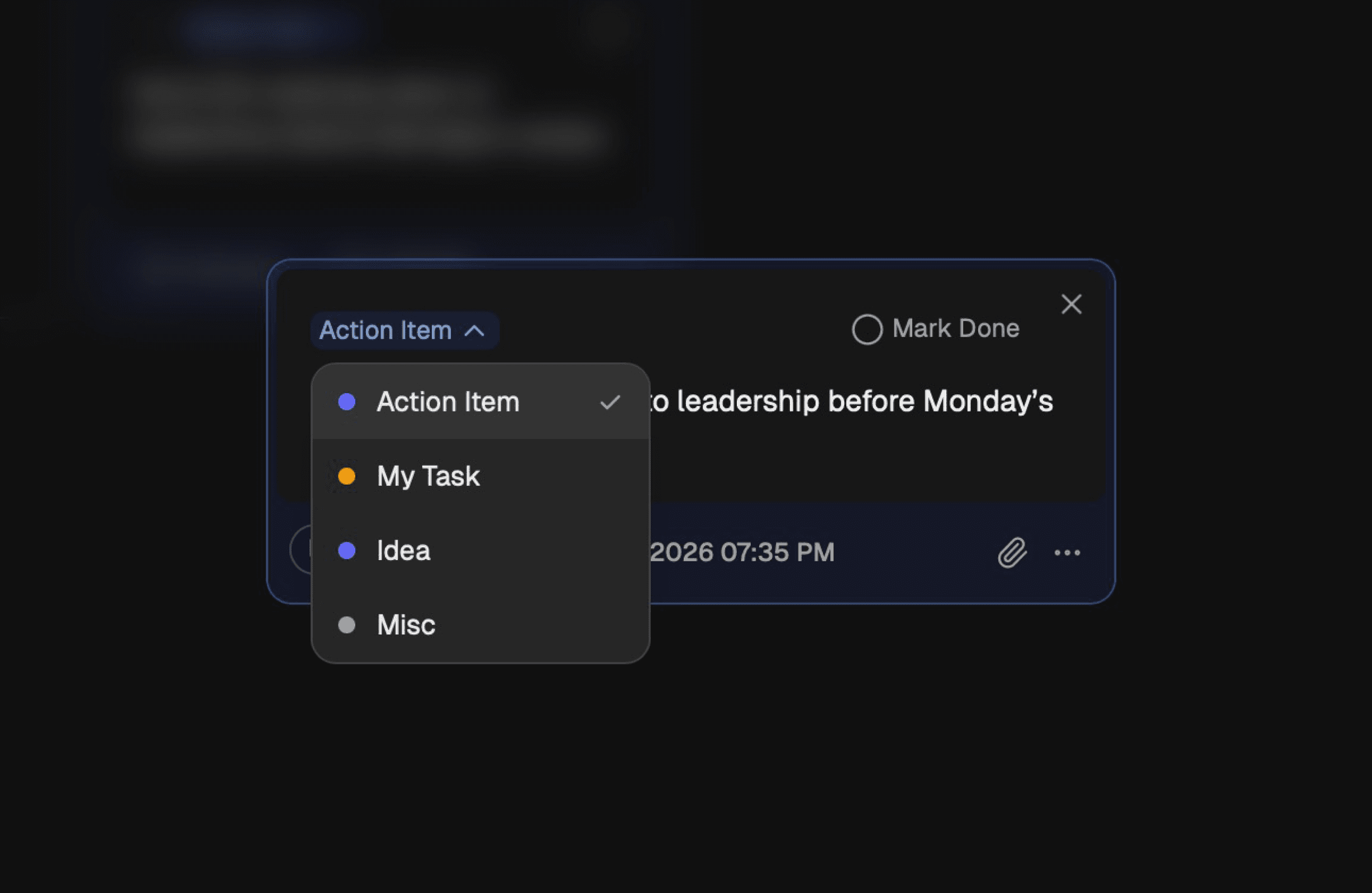
Changing an Aaside note category from the note card
Organize thoughts with built-in categories.
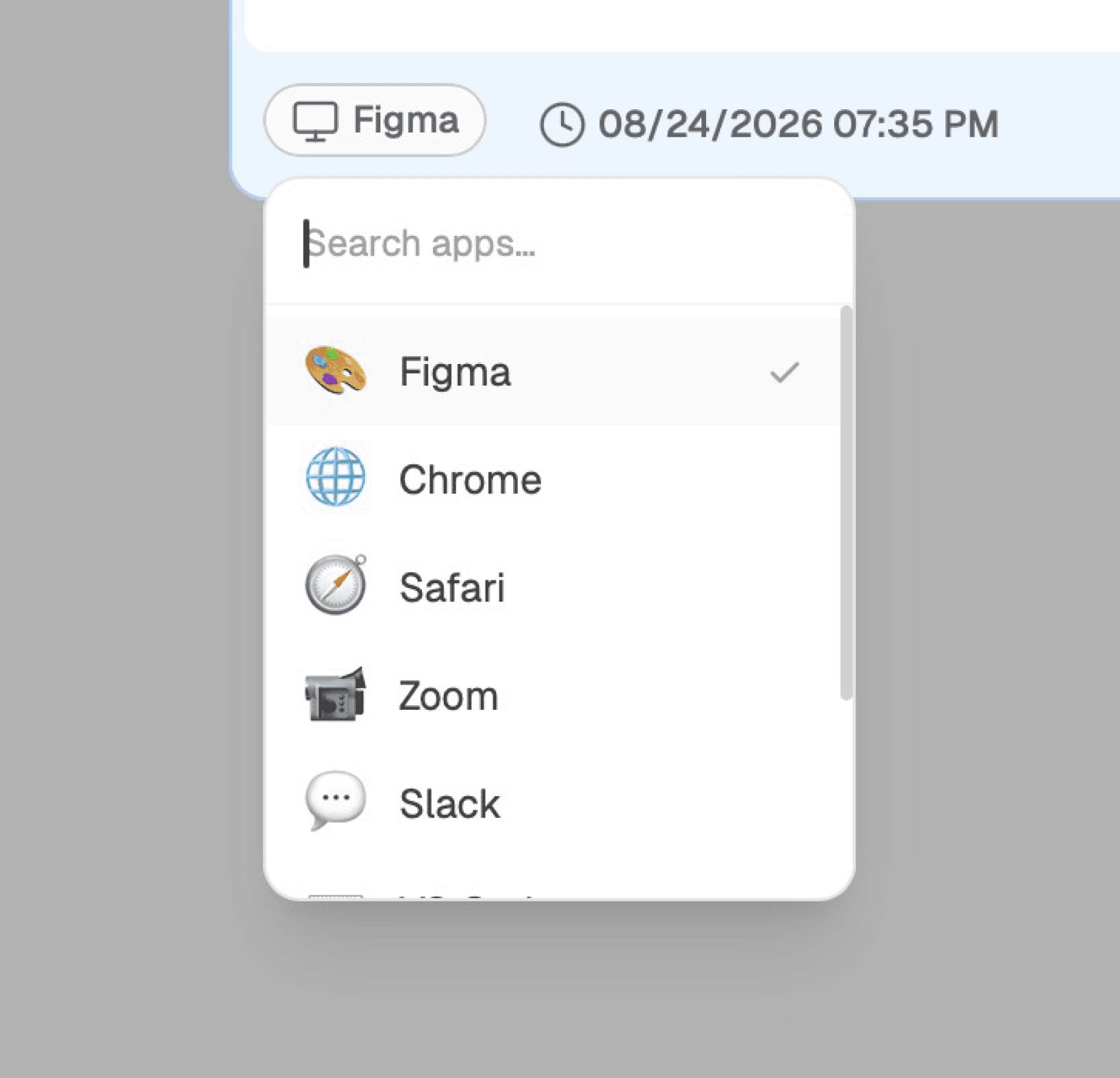
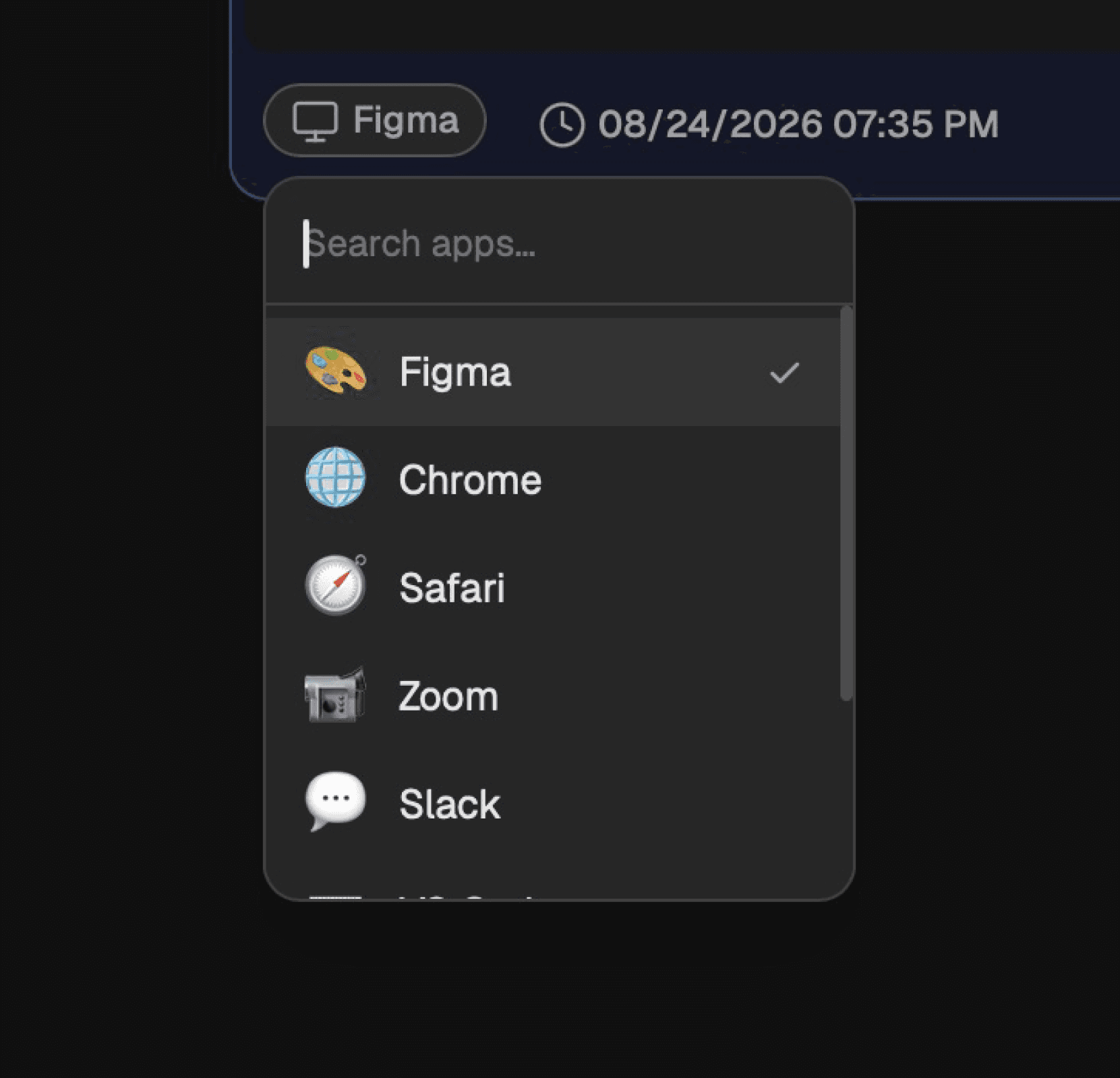
Selecting the source app context attached to an Aaside note
Preserve the app and time context behind every thought.

Every thought, sorted on its own.

Click a note, switch categories, and mark something done. This is the real Aaside dashboard, try it for yourself.

Monday, June 29
Action Item

Send updated logo files to Sarah before EOD

Slack2:15 PM
My Task

Refactor onboarding flow copy for clarity

Figma9:30 AM
Idea

Dark mode toggle could live in the nav, not buried in settings

Figma10:05 AM
Misc

Loved the gradient mesh kit from that Mobbin collection

Safari11:42 AM
My Task

Export assets at 2x for the App Store listing

Finder1:20 PM
Action Item

Schedule design review with the team to discuss

Notion4:45 PM
Live

Aaside

Solo ProductmacOS AppFull-Stack DevelopmentProduct StrategyAI Classification

Independently designed and built Aaside, a native macOS app that captures thoughts from anywhere, preserves their working context, and uses AI to organize them automatically.

Role

Solo Product Builder

Product

Native macOS productivity app

Timeline

2026 – Present

Launch

Live on the Mac App Store

Built with

Tauri 2, React, TypeScript, Rust, Supabase

Problem Statement

  • Thoughts often arrive while people are working in another app, joining a meeting, or reviewing references. Opening and organizing a traditional notes app interrupts that flow.
  • Quick notes preserve the text but lose the surrounding context. Later, users may remember what they wrote but not why it mattered or what they were doing at the time.

Context

  • I wanted to explore whether capturing a thought could feel nearly invisible while still preserving enough context to make it useful later.
  • I designed Aaside specifically around desktop workflows, where active apps, time, keyboard shortcuts, and lightweight floating windows could become part of the capture experience.

Responsibilities & Contributions

  • Defined the core product experience: Designed a global-shortcut workflow that captures thoughts without pulling users away from their current app.
  • Made captured thoughts easier to revisit: Preserved app and time context, added AI-assisted classification, and designed daily and category-based retrieval.
  • Built the production app end to end: Implemented the native macOS experience, authentication, sync, localization, and AI infrastructure with Tauri, React, Rust, and Supabase.
  • Created and launched the product: Developed the Aaside identity, landing page, pricing experience, and Mac App Store release.

Impact

1 shipped macOS product

Took Aaside from an initial workflow problem through product strategy, design, implementation, and launch on the Mac App Store.

1 global capture workflow

Reduced capture to a keyboard shortcut, a thought, and Enter without requiring users to leave their current app.

Automatic context preservation

Added active-app and time metadata to every note, making captured thoughts easier to understand later.

End-to-end product ownership

Independently handled product strategy, experience design, implementation, infrastructure, branding, and launch.

Key Insights

  • The fastest capture experience is not simply the one with the fewest fields. It is the one that records useful information without asking the user to provide it.
  • AI felt most valuable as quiet background infrastructure. Automatic classification supported the workflow without turning the product into another chatbot.
  • Building the production app exposed interaction details that static design tools could not reveal, especially around window behavior, keyboard focus, system permissions, synchronization, and failure states.

Critical Constraints

  • Detecting the active macOS app required clear system permission handling and a graceful fallback when access was unavailable.
  • Local and cloud data needed predictable ownership and migration rules so synchronization would never put a user’s notes at risk.
  • The capture window had to remain lightweight while supporting authentication, attachments, custom shortcuts, localization, and classification.
Visit SiteDownload on the Mac App Store
Previous
Next